Chair Back Support: Comfort and Lower Back Relief
In this article
- What is Back Support for a Chair?
- Why Back Support for Chair Matters
- Chair Back Support Categories
- How Does Chair Back Support Benefits Your Body
- Best Back Support for Chair : How to Choose
- Correct way to use back support for chair
- Compare Back Support for Chair with Regular Chair
- Best Posture for Your Lower Back While Sitting
- When Back Support for Chair Is Most Helpful
- FAQs
- Conclusion
- References
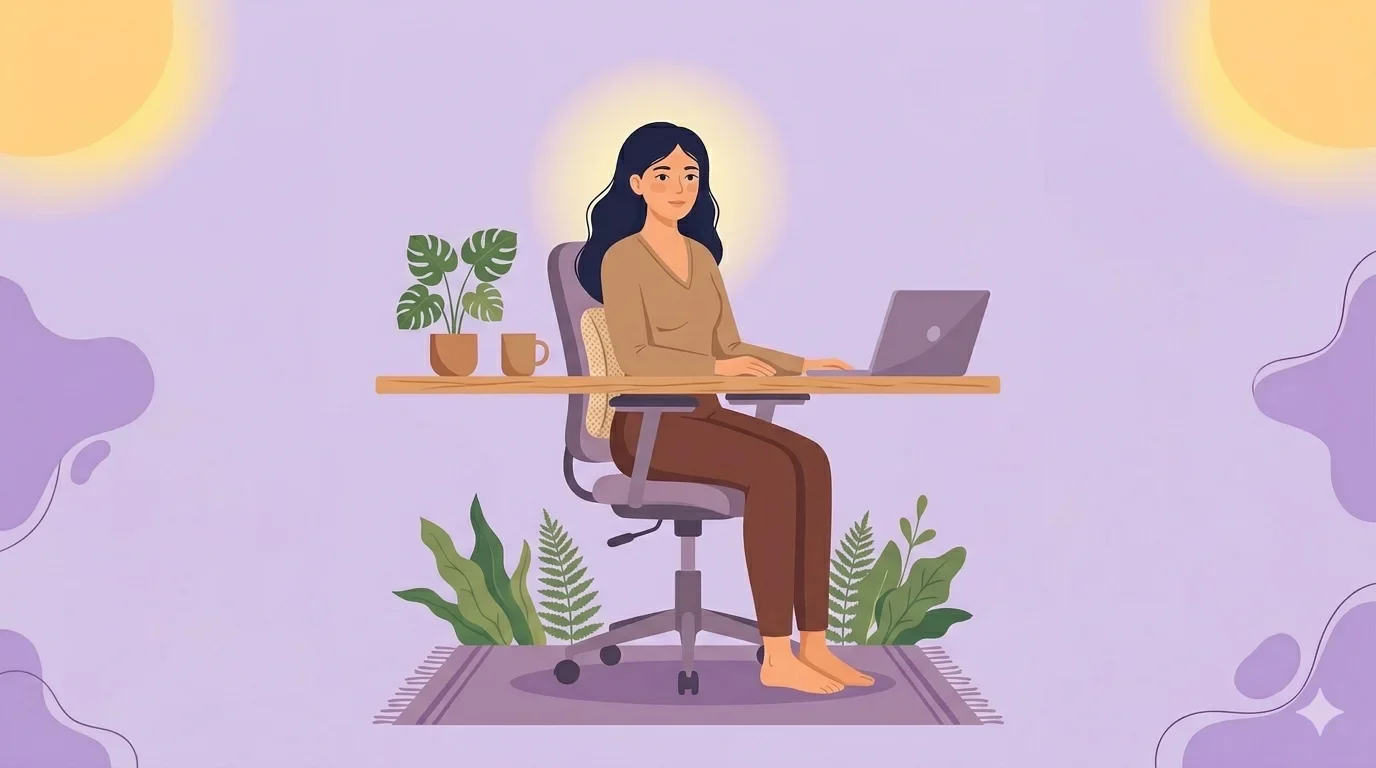
Chair back support is probably the simplest means to make long-hour sitting more comfortable and less straining over your spine. A proper back support helps prevent the lower spine from arching over and preserves your natural lumbar curve, reducing slouching and making you feel better during work, study, driving or gaming. OSHA, CDC, Mayo Clinic and MedlinePlus ergonomic guidance all consistently point to back support (particularly on the entire back), feet flat on the floor and also movement breaks to avoid strain. [1]
What is Back Support for a Chair?
Back support for a chair is typically a lumbar pillow or backrest attachment that supports your lower spine as you sit. The key is to allow your back to maintain a neutral, supported position rather than rounding forward or collapsing into the chair. OSHA says good lumbar support maintains the natural S-shape of the spine, while CDC guidance explains that seated posture should maintain that inward curve in the low back. [1] [2]
Why Back Support for Chair Matters
Maintains the spine’s natural curvature
Inactivity can make your lower back flatten or round, which can lead to increased discomfort if you aren’t supported properly when sitting for extended periods of time. Proper lumbar support in a chair helps align the spine and keep back muscles relaxed. [1] [2] [4]
Relieves pressure while sitting for long hours
Extended periods of sitting can lead to stiffness and low back pain. MedlinePlus states that back pain can start after sitting in one position for a long time, and the Occupational Safety and Health Administration says poor back support can contribute to both back pain and fatigue. [4] [8] [7]
Helps improve daily sitting posture
A back support for the chair helps to sit in the right posture as it supports the lower back other thigh and hips. Mayo Clinic suggests a chair that supports the spine, with feet flat on either the floor or a footrest and thighs parallel to that surface. [3] [4]
Chair Back Support Categories
Lumbar cushion
One is a lumbar cushion, which sits against the small of your back and is one of the most popular forms of back support for office chairs and car seats. If your chair does not include built-in lumbar support, for example, OSHA specifically advises using a rolled towel or removable back support cushion. [1] [7]
Ergonomic chair backrest
An ergonomic chair typically has an adjustable backrest, lumbar curve, armrests and height controls. Both Mayo Clinic and OSHA recommend chairs that support the spine and allow the user to sit with relaxed shoulders and supported feet. [1] [3]
Mesh back support
Mesh promotes airflow and, you know, everyday comfort. The exact material may differ, but the central ergonomic advantage remains: maintaining support for the lower back and a more neutral spinal position. [1] [2]
Car seat back support
Also, a back support for chairs comes in handy for vehicles as well, particularly when on daily commute or long drives. The same principles for posture apply: back supported, feet at ease and the lower spine guarded against slumping. [2] [4]
How Does Chair Back Support Benefits Your Body
Reduces slouching
With the lower back supported, you can sit up straight without all the tension. The back of the chair supports your trunk, so you can sit all the way back in it and this allows more relaxation of your back and trunk muscles (CUH NHS). [6]
Encourages healthier workstation posture
A supported chair is most effective if the rest of your setup is ergonomic, too. Feet fully supported, legs and hips parallel to the floor, and monitor and workstation set up to minimize awkward posture are all fundamental ergonomic principles recommended by OSHA. [1] [3]
Supports movement-friendly sitting
As great as the chair may be, there’s no substitute for not staying seated too long. Both OSHA and Harvard Health recommend changing position, standing up and moving around regularly throughout the day. [1] [5]
Best Back Support for Chair : How to Choose
Look for proper lumbar shape
Opt for a support that moulds the natural inward curve of your lower back. OSHA recommends that the outward curve of the backrest should match up with the small of your back. [7]
Pick a chair or cushion that won’t slide around
A back support is most useful when they do not slide around. It is easier to achieve the right posture all day long with adjustable positioning and a stable fit. [7] [3]
Ensure your feet are able to rest flat
A good back support is meaningless if the seat height is off. Mayo Clinic encourages adjusting the chair so the feet are flat on the floor, or using a footrest when necessary. [3]
Pick breathable, comfortable materials
Breathable materials can make the support more comfortable if you’re sitting for long periods, and help you keep using it consistently. Comfort is important because it’s more comfortable to keep good posture when the setup feels natural. [3] [4]
Correct way to use back support for chair
Sit all the way back
Always sit way back in your chair so the support can do its job. As for the arms, CUH NHS advises sitting right back in the chair so that the backrest can support the back and enable muscles to relax. [6]
Set the support at the lower back
The support should be lower on the spine, in the lumbar area. It should be positioned so that it properly fits into the lower back, according to OSHA. [7]
So I make sure my foot is flat on the floor and shoulders are relaxed
Your toes should stay grounded, and your shoulders should be pressed down instead of up. Mayo Clinic and MedlinePlus recommend feet flat on the floor, relaxed shoulders and elbows bent comfortably. [3] [4]
Take movement breaks
No amount of chair support can replace motion. OSHA, Harvard Health and MedlinePlus all recommend standing, walking or stretching periodically throughout the day. [1] [4] [5]
Compare Back Support for Chair with Regular Chair
Regular chair
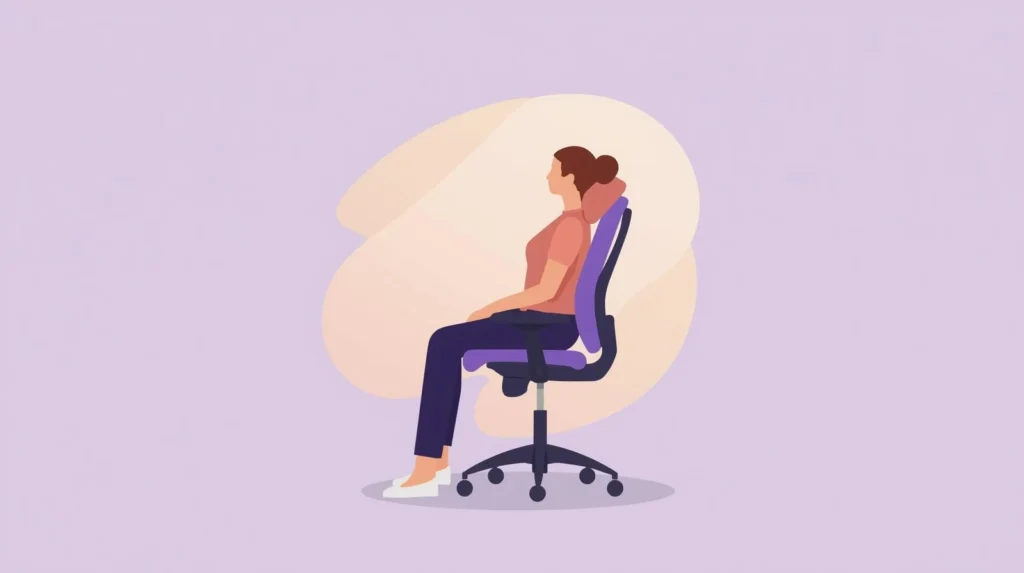
A plain chair is adequate for short durations of sitting, but it does not typically have the lumbar curve designed into the chair to accommodate longer periods of work. Without support the lower back may flatten and tire sooner. [2] [7]
Chair with back support
A chair that properly supports your back holds your spine in place and makes sitting long periods much more bearable. Mayo Clinic and OSHA both say spine support is one of the keys to healthy sitting. [1] [3]
Best Posture for Your Lower Back While Sitting
Keep your posture simple
Sit supported with the back; feet flat on the floor; knees comfortable and relaxed shoulders. MedlinePlus and OSHA describe it as an improvement over slouching or leaning unsupported. [1] [4]
Do not remain in one role for too long
Change positions frequently, get up every once in a while, stretch when you can. In fact, OSHA specifically recommends changing posture throughout the day. [1]
Support movement with healthy routine
Harvard Health also recommends staying active and taking frequent breaks from sitting, which over time helps alleviate strain on the back. [5]
When Back Support for Chair Is Most Helpful
Office work
Desk workers frequently spend hours in the same position, and so a proper chair setup can help tremendously with comfort and focus. [1] [3]
Study sessions
Children who are reading or doing computer work for extended periods might need lumbar support and/or better seat positioning. [4] [5]
Driving
Extra lower and mid back support also won’t hurt for longer rides in car seats, as your spine should still be supported and relaxed. [2] [7]
Home use
Home chairs are frequently ill-equipped for all-day use, and a removable back support can enhance comfort without the need to replace your chair. OSHA specifically refers to temporary support options, such as a rolled towel or removable cushion. [7]
FAQs
This can help provide lower back support, better posture and less strain, which is especially important if you’re sitting for long hours. [1] [3] [4]
It should rest in the small of your back, where the lumbar curve naturally is. OSHA recommends placing lumbar support to fit in a lower back. [7]
In most cases, yes. Many chairs can be enhanced with a removable cushion or rolled towel for temporary lumbar support. [7]
Here back support is helpful, but daily movement, stretching and a good workstation setup are also vital. [1] [5] [6]
Yes, this is the preferred position. A footrest might help if your feet dangle. [3] [4]
It is an improvement over sitting unsupported, but prolonged sitting still ain’t great. Get on your feet, stretch and shift positions frequently. [1] [5]
Conclusion
Chair backrest supports a small investment to get an easier safe and healthy position while sitting. It supports the natural curve of the spine, lessens slouching, and is most effective when paired with appropriate chair height, relaxed shoulders, flat feet and regular movement breaks. The proper back support can turn everyday sitting into a much more comfortable experience, whether the pursuit is office work, study time or driving. [1] [2] [3] [4] [5]
References
- Occupational Safety and Health Administration. (n.d.). Computer Workstations eTool – Positions. https://www.osha.gov/etools/computer-workstations/positions
- Centers for Disease Control and Prevention (NIOSH). (2020). Working from Home: How to Optimize Your Work Environment and Stay Healthy. https://www.cdc.gov/niosh/docs/2020-152
- Mayo Clinic. (2023). Office ergonomics: Your how-to guide. https://www.mayoclinic.org/healthy-lifestyle/adult-health/in-depth/office-ergonomics/art-20046169
- MedlinePlus. (2025). Guide to Good Posture. https://medlineplus.gov/guidetogoodposture.html
- Harvard Health Publishing. (2024). Stretching and strengthening exercises to relieve and prevent lower back pain. https://www.health.harvard.edu/pain/stretching-and-strengthening-exercises-to-relieve-and-prevent-lower-back-pain
- Cambridge University Hospitals NHS Foundation Trust. (n.d.). Myth busting about posture, core stability and lifting. https://www.cuh.nhs.uk/patient-information/myth-busting-about-posture-core-stability-and-lifting/
- Occupational Safety and Health Administration. (n.d.). Computer Workstations eTool – Chairs. https://www.osha.gov/etools/computer-workstations/components/chairs
- MedlinePlus. (2024). Low back pain – acute. https://medlineplus.gov/ency/article/007425.htm


